
Your radio sounds great.
Now it looks great too.
Embeddable HTML5 player for your online radio: automatic cover art, song history, Chromecast and AirPlay. It drops into any website with a single iframe and is fully managed from your panel.
Four layouts. One embed.
Pick the layout from your panel to match the space on your site. The player only loads the layout you use: lighter, faster.
Full card
Vertical, with large cover art and history. Your station in the spotlight.
Compact horizontal
Built for sidebars, headers and tight spots.
Fixed bar
Minimalist, stays with listeners while they browse your site.
Modern card
Horizontal, with your logo, on-air info and song history.

























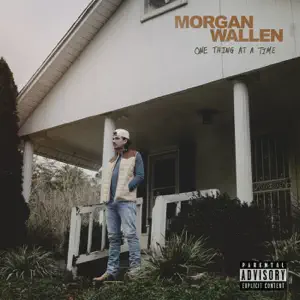
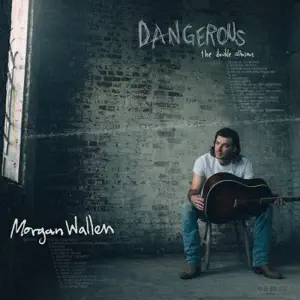


















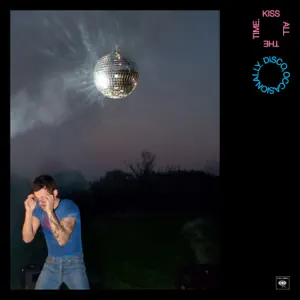










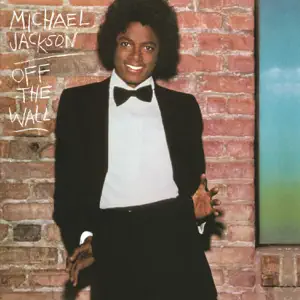












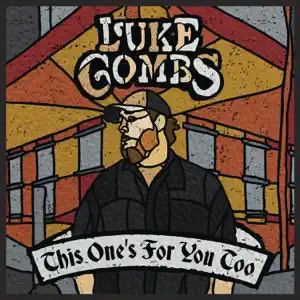










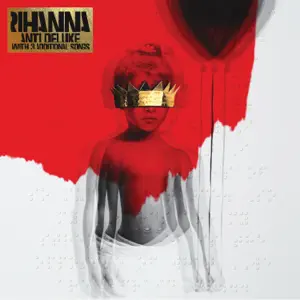



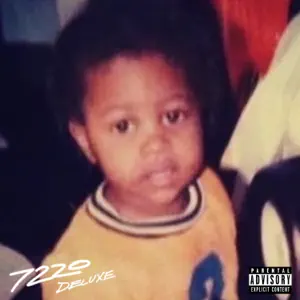











Every song, with its cover.
The player shows what is on air in real time and puts a face on every track, with zero work on your side.
Real-time now playing
Song title and artist on air, updated automatically.
Automatic cover art via iTunes
Smart matching by artist and title, in high-resolution 800x800. No match? It shows your custom default artwork. And you can turn it off.
Ad-break detection
It recognizes ad spots and skips the artwork lookup, so your breaks look clean.
Song history
The last 20 songs with cover, title, artist and time, in a sliding panel you can enable or disable.
Your station plays everywhere.
From the browser to the living room to the phone lock screen. The player follows your listeners wherever they go.
Chromecast and AirPlay
Built into the player: listeners send your station to the TV or speakers with one tap.
Lock-screen controls
With the MediaSession API, controls and cover art show up on the phone lock screen and in system media controls.
Built-in sharing
Buttons to spread your station via WhatsApp, Facebook, X, Telegram and Email.
It looks like your station, not ours.
Everything is configured from the panel, no code required. Change a setting and the embedded player updates on your site.
- Primary color across the entire interface
- Your station logo, clickable to your website (and hideable)
- Custom default cover art
- Optional autoplay
- Show or hide the song history
- Hide the song title if you prefer
What broadcasters ask about the Audio Player
Can't find your answer? Talk to an expert
With an iframe and a short URL carrying your player own ID, copied straight from the panel. It works on any website that accepts iframes and lazy-loads by design: it only downloads the layout you use, without slowing your page down.
Yes. From the panel you pick one of 4 layouts and configure the primary color of the whole interface, your station logo (clickable to your website and hideable), the default cover art, autoplay, the song history, and you can even hide the song title on air.
The player looks up the current song artwork on iTunes, with smart matching by artist and title in high resolution (800x800). If there is no match, it shows your custom default artwork. It detects ad spots so it never searches artwork for them, and the feature can be disabled entirely.
It is the player domain protection: it only works embedded on the domains you authorize, so nobody can copy your embed code to show your player on another site. It protects the embedded player, not the direct stream URL.
Yes. It is responsive and mobile-optimized, with special handling for iOS Safari. Through the MediaSession API, cover art and controls appear on the phone lock screen; it also includes Chromecast, AirPlay and smart autoplay that starts muted whenever the browser blocks audio.
Have more questions?
Our team is available 24/7 to help you with any question about your streaming project.
Give your station a face today
Start your 3-day free trial and embed the player on your site in minutes. Your listeners will notice right away.
To complement listening on your website with your station’s own app, check eligibility, add-on pricing and store conditions in Mobile app for radio stations.