

Education and E-Learning

Streaming for education: live classes, always available.

Stream from the classroom, cut the recording into chapters and publish it on your virtual campus. All from one panel.

Live Editor Pro and an on-demand library included in paid plans, from USD 25/month.

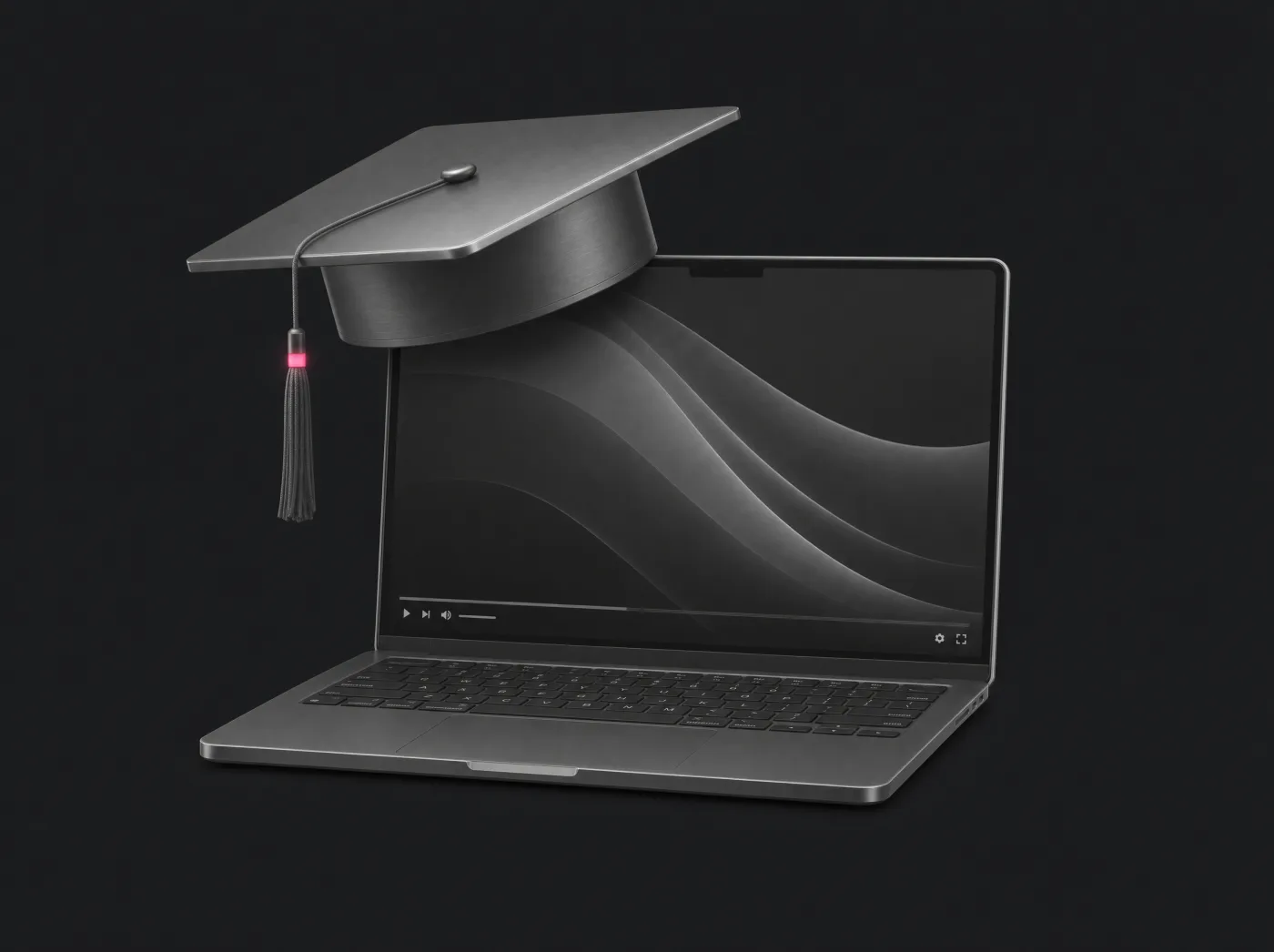
Titanium graduation cap with a pink tassel on a laptop showing a video player
  • Player for your LMS
  • Live Editor included
  • On-demand library
Player on your virtual campus
LMS
Class library included
VOD
Apps for students to install
0
Uptime SLA
99.995%
From the classroom to the library

Today's class, tomorrow's study material.

Every live class becomes content your students can review whenever they need it.

Live Editor Pro, included

Cut the class into chapters.

Open the recording in your browser, mark the cuts with the blade and export each topic as its own video.

  • No editing software or downloads
  • Recordings of up to 4 hours
  • Every chapter lands in your library
On-demand library

Every class, one click from your students.

Recordings and chapters stay in your library, ready to play with the same player as your live classes.

  • Recordings, chapters and MP4 files in one place
  • The same player live and on demand
  • You can also upload your own videos
Your campus, your rules

The player lives in your LMS. And only there.

Paste the iframe into Moodle, Canvas or your portal. With ShieldPower, the embedded player only loads on the domains you authorize; each student's access is still managed by your LMS.

  • Any LMS that allows iframes
  • SecureToken: only from the official player
  • No apps: students open the browser and that's it

Everything your institution needs.

Included in the paid video plans, no extra modules.

  • Faculty with permissions

    Each teacher only accesses their channel and what you assign.

  • Scheduled recording

    Schedule the semester and every class records itself.

  • Metrics per class

    Peak viewers, average viewing time and devices.

  • Open lectures

    Take talks and ceremonies to YouTube and Facebook at once.

  • RTMP and SRT

    From OBS in a classroom or from the campus control room.

  • 24/7 support in Spanish

    People who understand streaming, not a bot.

Universities already streaming with us.

A real case, with its live feed on XtreamCast.

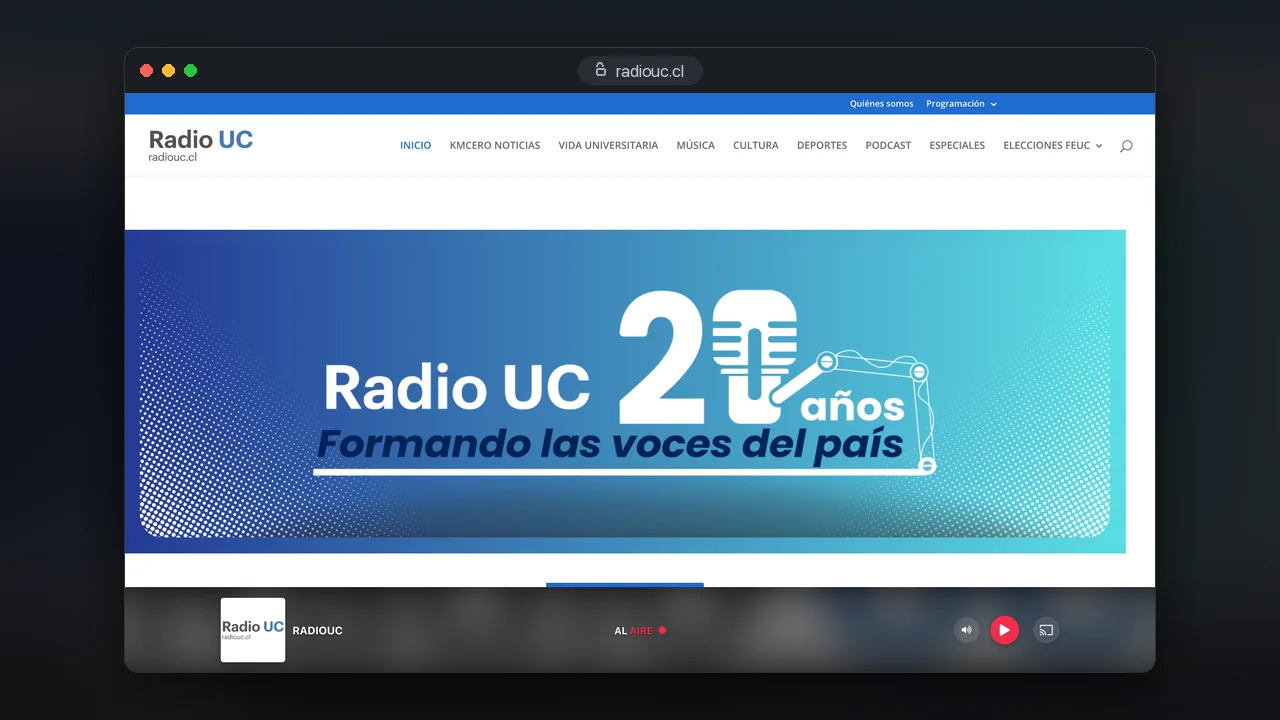
  • Radio UC
    University radio · Education

    Radio UC: the Universidad Católica radio, in audio and video

    The radio of the Faculty of Communications of the Pontificia Universidad Católica de Chile streams its audiovisual feed and its audio streams on XtreamCast.

    3
    feeds: video and audio
    24/7
    continuous broadcast
    2025
    on XtreamCast
    See the full case

Your first live class, today.

  1. Activate your channel

    Free video plan, no card and no end date.

  2. Connect OBS

    Copy server and key from the panel.

  3. Paste the player into your LMS

    One iframe in the course unit and you are done.

Yes, with an iframe in any LMS or portal that allows external content. Each student's sign-in and permissions are still managed by your LMS; the player can be limited to your campus domains with ShieldPower.

You can record manually from the panel or schedule recordings in blocks. Recordings use your plan storage; check the available space in the panel.

Yes. Live Editor Pro is included and runs in a computer browser: it accepts MP4 files and recordings of up to 10 GB and 4 hours. Every exported video is available in your library.

Paid plans have no limit on simultaneous viewers; your monthly usage is set by the bandwidth you contract. Estimate with bitrate, duration and expected audience, and test before a large class.

No. Metrics show connections, peak, average time and devices, but they do not identify each student. Attendance is tracked in your LMS.

Have more questions?

Our team is available 24/7 to help you with any question about your streaming project.

WhatsApp

Choose channel features and capacity

Included in Started+, Pro+ and Max+

RTMP/SRT ingest, HLS output, branded player, up to 10 restream destinations, Recording Cloud, Live Editor Pro and a VOD library. Everything is configured from the panel, within your plan transfer and storage.

Video add-ons

Live Station: USD 10/month per channel. ABR transcoder: USD 20/month. WebRTC: USD 20/month. Global CDN: USD 20/month. They are enabled per channel; on Enterprise+ they are defined in the proposal.

Custom projects

Projects with DRM, SSO, EPG or your own apps: we assess them with an expert. SecureToken, geo-blocking and player domain restriction come with the panel, and the player embeds in the platform where your users sign in.

Started+ begins at USD 25/month with 1 TB of transfer and 5 GB of storage; Pro+ and Max+ go up to 3 and 6 TB. No automatic overage charges: we notify you at 80% and 100% of your transfer and you can add capacity instantly from the panel, prorated. For 24/7 feeds, size with headroom or move to Enterprise+, with transfer from 100 TB/month defined in the contract. Transfer policy (Terms, section X)

Your next class, live and for good.

Start with our free plan, no card required. Connect OBS and paste the player into your campus today.