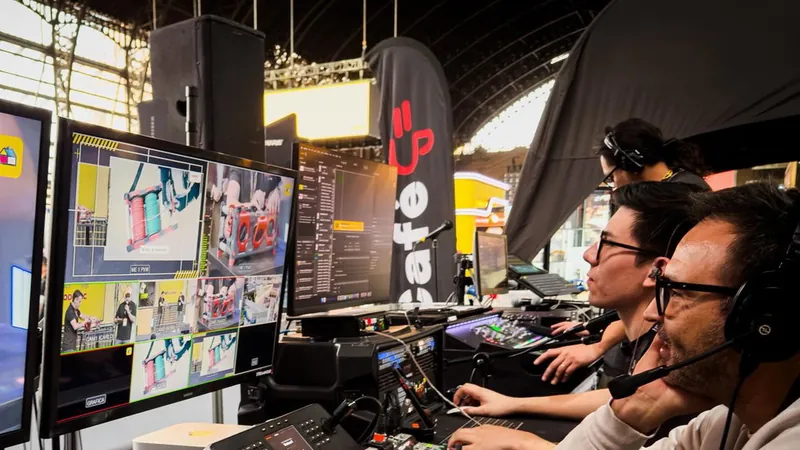
Production companies and events

Event streaming: broadcast infrastructure for production companies.

SRT or RTMP feed from the OB van or the venue, restream to up to 10 destinations, one recording per talk and a player with your client's brand. We have operated streaming servers since 2011.

SRT output, restream to several destinations and Recording Cloud included in paid plans, from USD 25/month.

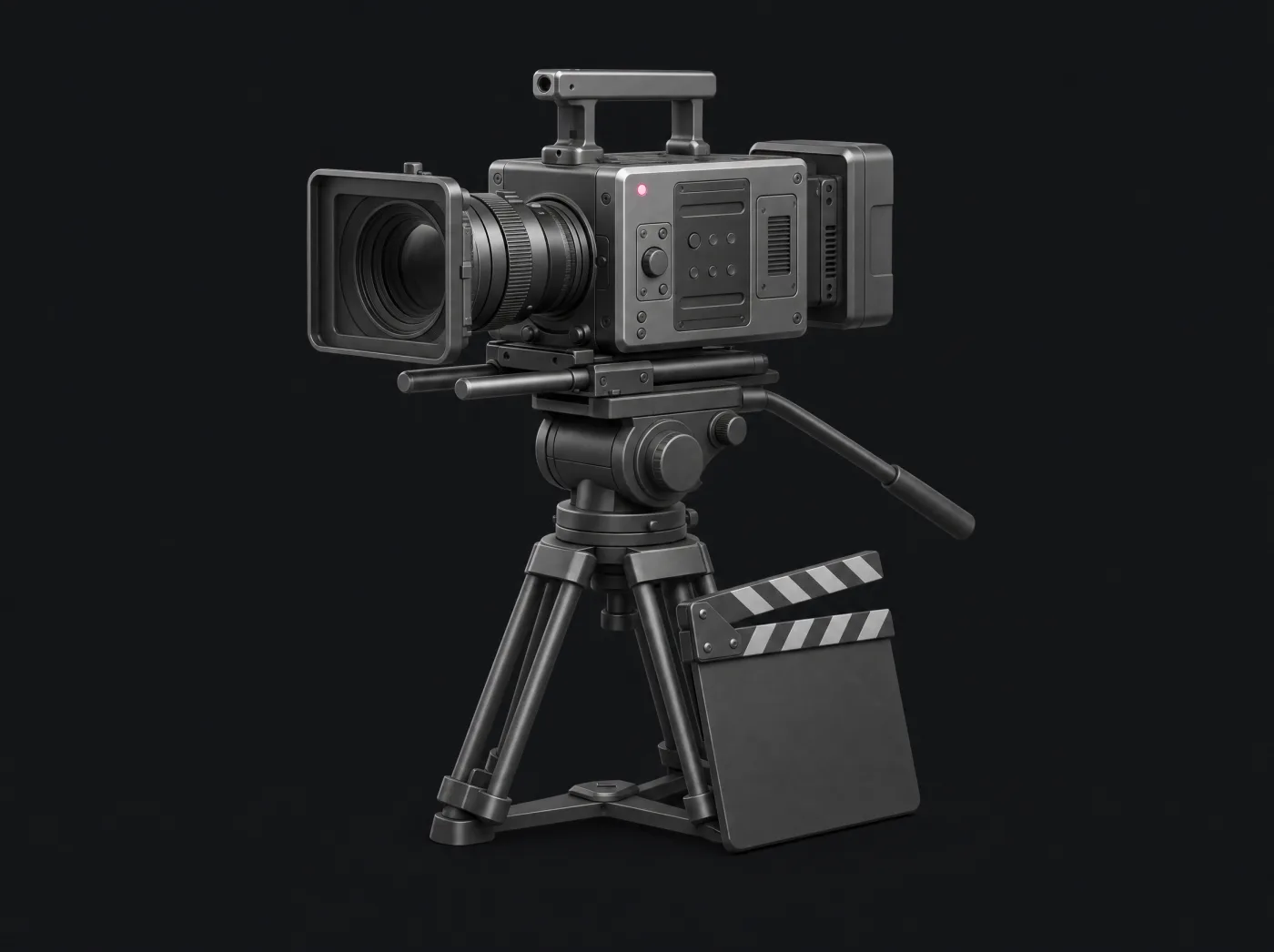
Titanium cinema camera on a tripod with a clapperboard and a pink tally light
  • SRT or RTMP from the venue
  • Restream to 10 destinations
  • Human 24/7 support
Ingest included
SRT and RTMP
Restream destinations
10
Contractual monthly SLA
99.995%
Human support in Spanish
24/7
From the venue or the OB van

The venue wifi fails. Your feed keeps going.

Your rig calls our origin in Chile or North America over SRT. SRT asks again for the packets lost on the way, so the feed arrives complete even when the venue network does not help.

  • SRT and RTMP on the same channel, included
  • vMix, OBS, Wirecast, LiveU Solo and FFmpeg
  • Channel token in the Stream ID
During the event

Everything in view while you are on air.

Diagnostics, alerts and a human team on the other side, from rehearsal to wrap.

Conferences and fairs

One file per talk, without cutting the feed.

With Split Recording you close one file and open the next without stopping the live stream. At the end of the day, every talk is separate.

  • One channel per room, all in parallel
  • Scheduled recordings of up to 12 hours
  • Automatic VOD upload to YouTube or Facebook
Access for your client

Your client sees their numbers. You control the feed.

Invite the client's team to their channel with just the right permissions: metrics, player and recordings yes; streaming data, no.

  • Permissions per section and per channel
  • Billing stays on your account
  • Remove access when the project ends
The client's networks

One feed, all their networks.

YouTube, Facebook, TikTok and whatever RTMP they ask for, from the same feed that reaches your channel.

  • Up to 10 destinations at once, over RTMP or RTMPS
  • Schedule each destination by date and time
  • Each destination with its own switch
Branded player

The client's brand. And their ads.

An HTML5 player with the client's logo and colors, embedded on their website. With Player v2 you add VAST pre-roll, mid-roll and post-roll ads from their ad server, with Google IMA.

  • Logo, colors and player options
  • VAST pre-roll, mid-roll and post-roll
  • SecureToken and domain restriction

What an event looks like at real scale.

Production by StreamingHD, our live production division. Streaming on our servers.

  • Sodimac · StreamingHD
    Retail · Corporate training

    Sodimac Training Fair: eight rooms live, three days straight

    Each room is an independent stream for employees across Chile, edition after edition, from 2020 to 2026.

    8
    simultaneous feeds
    3
    days per edition
    2020-2026
    editions
    See the full case

Your next event, in 4 steps.

  1. Talk to an expert

    Rooms, destinations, schedule and estimated audience of your event.

  2. Get the architecture

    Channels, plan and capacity sized for your production.

  3. Test with your feed

    Connect your rig over SRT or RTMP to the test channel and check the diagnostics.

  4. Go on air

    A branded player, restream to their networks and one recording per talk.

Yes: vMix, OBS, Wirecast, LiveU Solo, FFmpeg, XSplit and any encoder that sends SRT as caller or RTMP. On the test channel you connect your own rig and the ingest diagnostics show you codecs, fps, keyframe and bitrate.

Yes. Each room is a channel with its own ingest, player, restream and recording. An expert sizes the plan with you based on the bitrate, hours and estimated audience of every room.

Paid plans have no limit on simultaneous viewers; your monthly limit is set by the bandwidth you contract. You get notices at 80% and 100% and can expand the allowance instantly from the panel, with no automatic overage charges. For massive events, Enterprise+ defines capacity and transfer in the proposal.

Yes. You configure the logo, colors and player options, and embed it on the project website. With Player v2 you add VAST pre-roll, mid-roll and post-roll ads.

Recording Cloud records in MP4 and each file lands in your library as soon as processing finishes. With Split Recording you close one file per talk without stopping the live stream.

The ingest diagnostics show protocol, codecs, keyframe, fps and bitrate every 10 seconds, and email alerts warn you about a stream drop, bitrate changes and bandwidth usage.

Human support 24/7/365 in Spanish over WhatsApp, email and tickets in the portal, from the same technical team that has run our servers since 2011.

Have more questions?

Our team is available 24/7 to help you with any question about your streaming project.

WhatsApp

Choose channel features and capacity

Included in Started+, Pro+ and Max+

RTMP/SRT ingest, HLS output, branded player, up to 10 restream destinations, Recording Cloud, Live Editor Pro and a VOD library. Everything is configured from the panel, within your plan transfer and storage.

Video add-ons

Live Station: USD 10/month per channel. ABR transcoder: USD 20/month. WebRTC: USD 20/month. Global CDN: USD 20/month. They are enabled per channel; on Enterprise+ they are defined in the proposal.

Custom projects

Projects with DRM, SSO, EPG or your own apps: we assess them with an expert. SecureToken, geo-blocking and player domain restriction come with the panel, and the player embeds in the platform where your users sign in.

Started+ begins at USD 25/month with 1 TB of transfer and 5 GB of storage; Pro+ and Max+ go up to 3 and 6 TB. No automatic overage charges: we notify you at 80% and 100% of your transfer and you can add capacity instantly from the panel, prorated. For 24/7 feeds, size with headroom or move to Enterprise+, with transfer from 100 TB/month defined in the contract. Transfer policy (Terms, section X)

Your next event, at broadcast level.

Start with our free plan to validate your encoder, your connection and the player, or talk to an expert about your next event.